
I want to work with my documents
Sealarca Desk
A local document workspace to organize multiple documents, analyze a dossier and inspect the sources behind results. Document profiles and chat use Sealarca.
Discover Sealarca Desk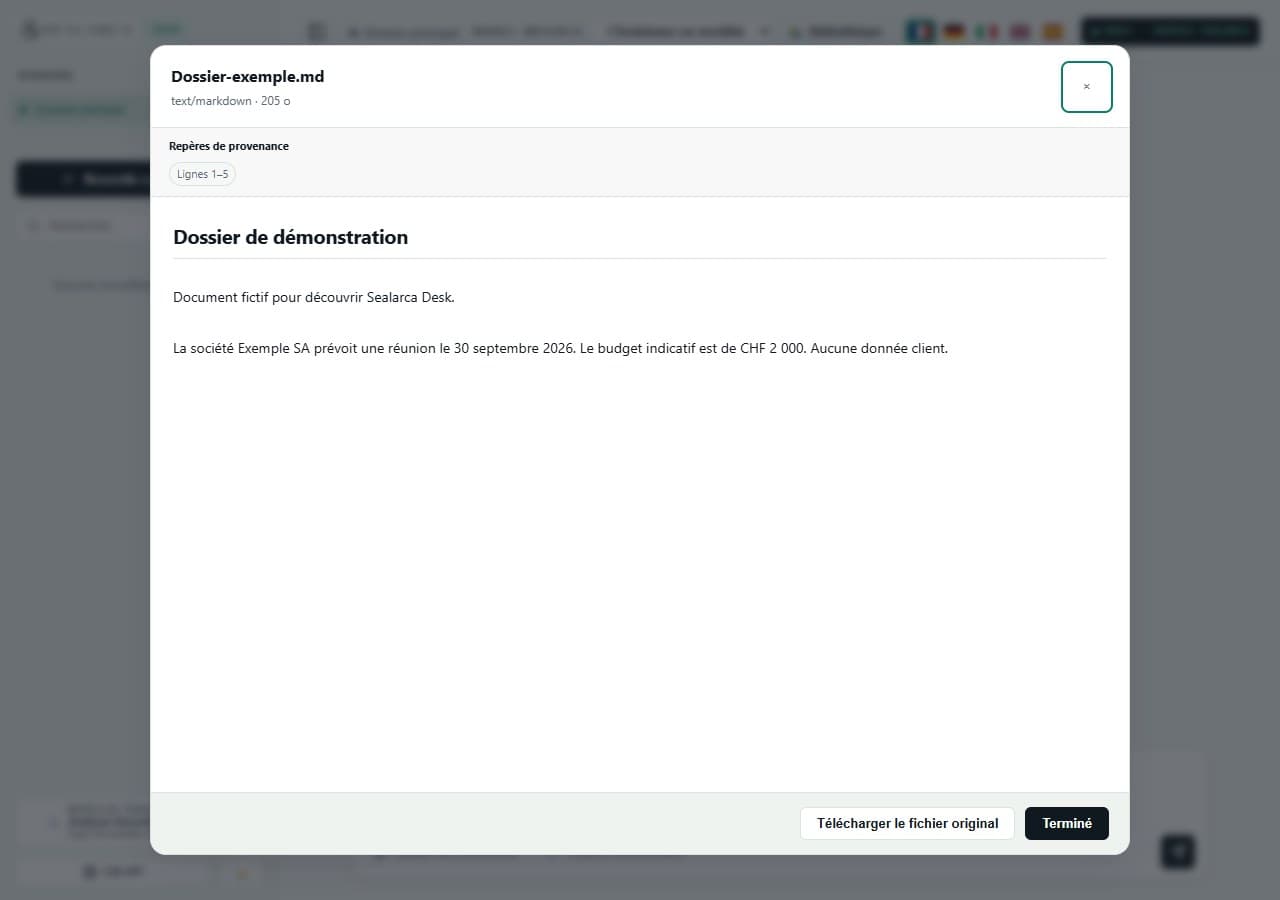
Use Sealarca
Work with your documents in Desk, use Sealarca from your existing AI tools through Bridge, or integrate the service directly into your application with the API.
Downloading Desk and using Bridge add no separate cost. Only use of the Sealarca service debits credits according to the model and processed volume.
Choose how you work
I want to work with my documents
A local document workspace to organize multiple documents, analyze a dossier and inspect the sources behind results. Document profiles and chat use Sealarca.
Discover Sealarca DeskI want to keep my AI tools
Connect Sealarca to tools you already use, such as Claude Code, Codex CLI or Claude Desktop.
Discover Sealarca BridgeI want to integrate Sealarca into my application
Integrate the Sealarca service directly into your software through an OpenAI-compatible API.
View the API documentationThe starting point changes, but Desk, Bridge and the API all provide access to the same Sealarca service.
Local document workspace
Local connection to your AI tools
Direct integration into your application
Sealarca
One service, three working environments
Sealarca provides the document workspace.
You bring your documents together and work with them in Desk to organize, find and produce content.
You keep your AI tool; Bridge handles the local integration with Sealarca.
Your habits stay the same: you use your compatible tool, connected locally to the Sealarca service.
Your software communicates directly with the service.
You build the application experience and integrate Sealarca into your own user journey.
Local behavior depends on Desk, Bridge or the client application. AI processing uses Sealarca according to the documented mechanisms; guarantees and their limits are detailed on the dedicated pages.
Create your Sealarca account in a few moments.
Top up your account to receive usage credit.
Generate the key that authorizes access to the service.
Work from the environment that matches your needs.
Still unsure? Start with Desk.