
Dossier summary
Bring structured information from multiple documents together in an overview.
The local document workspace connected to Sealarca.
Organize your documents and analyze dossiers with source references. Preparation and profile aggregation stay local; profile generation and chat use the Sealarca service.
Downloading Desk and using Bridge add no separate cost. Only use of the Sealarca service debits credits according to the model and processed volume.
View the demonstration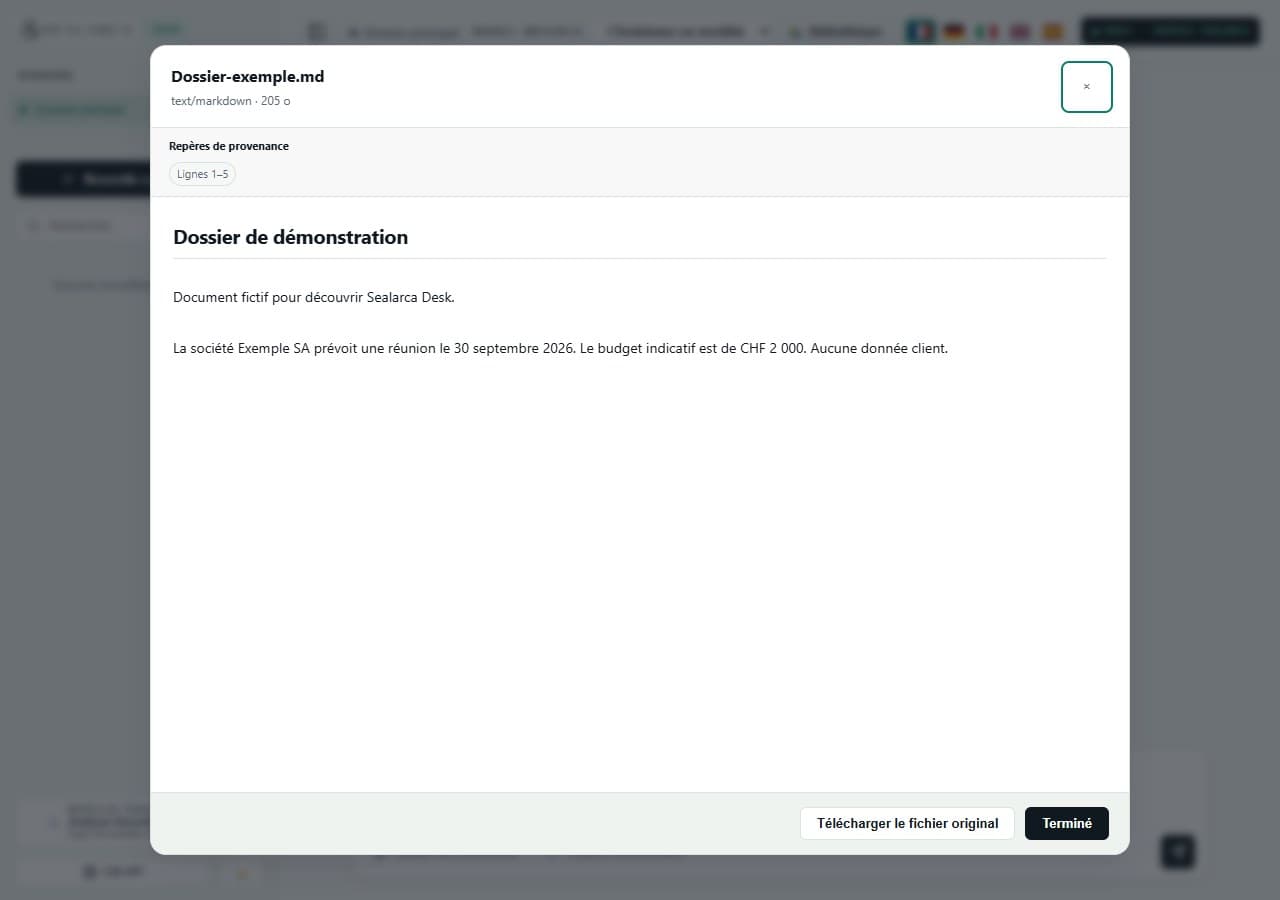
NEW IN DESK 1.2.0
Desk brings together information from current document profiles already stored in your browser. These dossier analyses run locally without sending document content.
Bring structured information from multiple documents together in an overview.
Review dates and events with references to their documents.
Group people, parties and organizations mentioned in the profiles.
Review extracted obligations and return to the relevant passages.
Compare extracted amounts while retaining their sources.
Spot apparent differences to verify between information grouped under the same label.
Results require review: they do not certify facts or detect every contradiction. Desk flags missing or stale profiles and partial or unknown coverage. Generating or regenerating a profile is an explicit action that sends the document Markdown to the selected Sealarca model.
Follow operation steps, notices and status, with cancellation or retry where possible. Local traces retain source references, counts and notices without copying document text.
Prepare: check the formats and limits above. Keep your original files in your regular backup.
Account: create and verify your Sealarca account. It manages credits and keys, not your local Desk workspace.
Access: add credits from CHF 25 and create a key. Desk, Bridge and the API share the same credits.
Open: download and extract the ZIP, then open Sealarca-Desk/index.html. Keep this folder in the same location.
Connect: paste and verify the key, then select an available model. Try GLM 5.3 Flash for an economical first test when available.
Try: import a fictional document, check its preview, select it and request a summary. Review the answer and its sources.
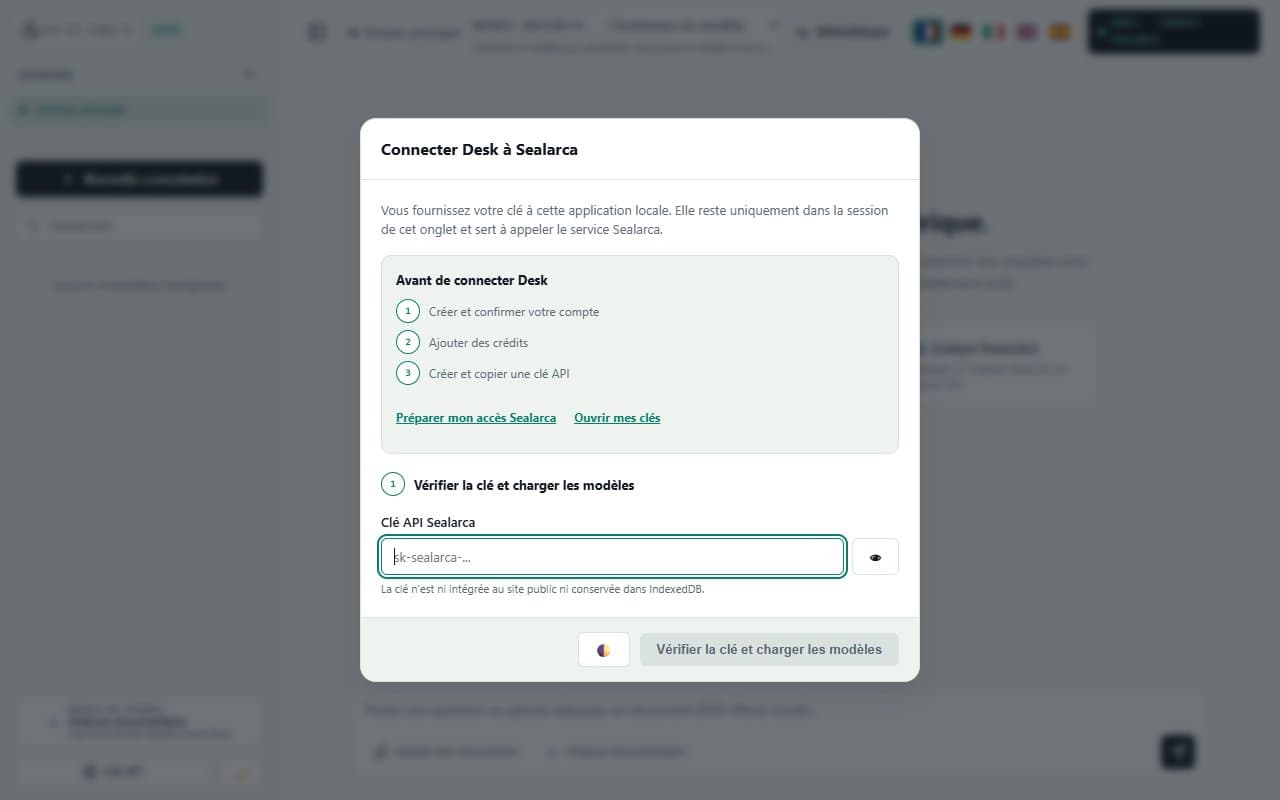
These screenshots show a previous version of Desk; the 1.2.0 interface may differ.
Import: create a folder and add a fictional document in a supported format.
Check: review extracted text and notices; originals remain stored.
Generate profiles: explicitly request a profile for each relevant document. Its text is sent to the selected Sealarca model.
Analyze the dossier: use current local profiles to review summaries, timelines, parties, obligations, amounts and apparent differences.
Verify sources: open references and check results and coverage limits before using them.
To resume, open the same file with the same browser and profile. The key lasts only for the tab session; you may need to enter it again.
Folders, documents and conversations remain in browser storage. Clearing browser data, private browsing or changing profiles can make this workspace unavailable. Moving the folder may also change storage access.
Keep your own copies of originals. The index.md export is a dossier overview, not a restorable backup. The data export/import mechanism uses format 6.0; the published interface has no full conversation and settings backup button.
If your organisation blocks local pages, ask IT for an approved local setup. Downloading alone does not guarantee compatibility.
The September 30, 2026 release notes report checks in Chromium 151 and Firefox 153 over HTTP and file://. These are published project checks, not certification for every browser or environment; your organization’s policies still need review.
BEFORE USING A MODEL
Desk prepares documents locally, but content required for an AI operation is sent to the Sealarca service according to the selected mode.
A selected document may be sent in full or in large part when provenance ranges do not allow a shorter selection.
Desk may select up to 5 documents and send up to 8 relevant excerpts per document.
Generating a profile may send up to the first 120,000 characters of the document Markdown.
Desk brings together information from current document profiles already stored in your browser. These dossier analyses run locally without sending document content.
Choose an action on this fictional contract to see how Desk presents a question, answer and source.
Fictional service agreement.pdf
Article 4 — The provider delivers a monthly report no later than the fifth business day.
Article 7 — Either party may terminate the agreement with thirty days’ written notice.
Select one of the three actions to display a simulated answer.
INSTALLATION AND FIRST LAUNCH
Desk is a local application distributed as a ZIP archive. Follow these steps in order to connect it to your Sealarca account.
No terminal, Node.js or API knowledge is required. Desk opens in a modern browser.
Create your Sealarca account and confirm your email address.
Top up your account with the amount needed for your use.
Create an Sealarca access key in your account and copy it.
Download and extract the ZIP, then open Sealarca-Desk/index.html.
Paste and verify the key, choose a model and get started.
The key is not embedded in the public site or persisted in IndexedDB. You provide it to the local application; Desk keeps it only for the tab session and uses it to call the Sealarca service.
Some browser policies may block calls from a file:// page. Ask your IT team to allow the local page or serve the folder from an approved local static server without changing the Sealarca service address.
Desk 1.2.0 is a local static client. Import, extraction, search, dossier analysis from current profiles and storage stay in the browser. Model discovery, chat and explicit profile generation use Sealarca.
View Desk detailsKeep a compatible AI tool with Bridge, or integrate Sealarca directly into your own software.
You choose the documents to use for the operation.
Desk locally selects the relevant excerpts to cite.
Operations requiring a model use the necessary context.
Download Sealarca Desk, then use your Sealarca access key.